iOS · Family ProductivityiPhone · iOS 17+Built by TaoApex Limited

Note2Do

Never lose the next step in a school notice

Share the notice. Review the action card. Confirm only what belongs on your calendar or reminders — with the original source kept close for checking.

Privacy-firstNative iOSNo ad trackingLaunch preparation
OCR
On-device
Notice inputs
4+
Confirm actions
1 tap
Native iPhone
iOS 17+
9:41
5G

Live preview

Note2Do

Turn school notices into confirmed next steps.

Field tripSep 12 · 8:00
Bring lunchConfirmed
Permission slipDue Wed
Fee$12
Join the App Store launch

Product definition

What is Note2Do?

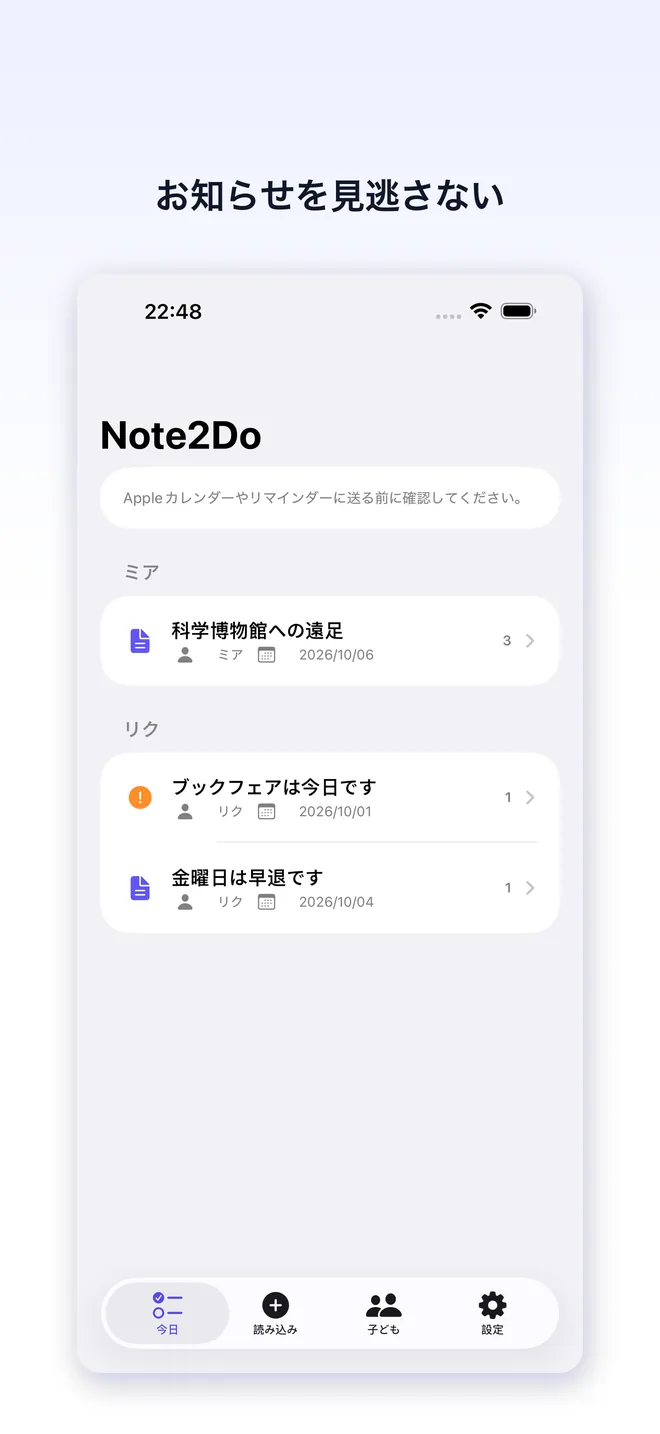
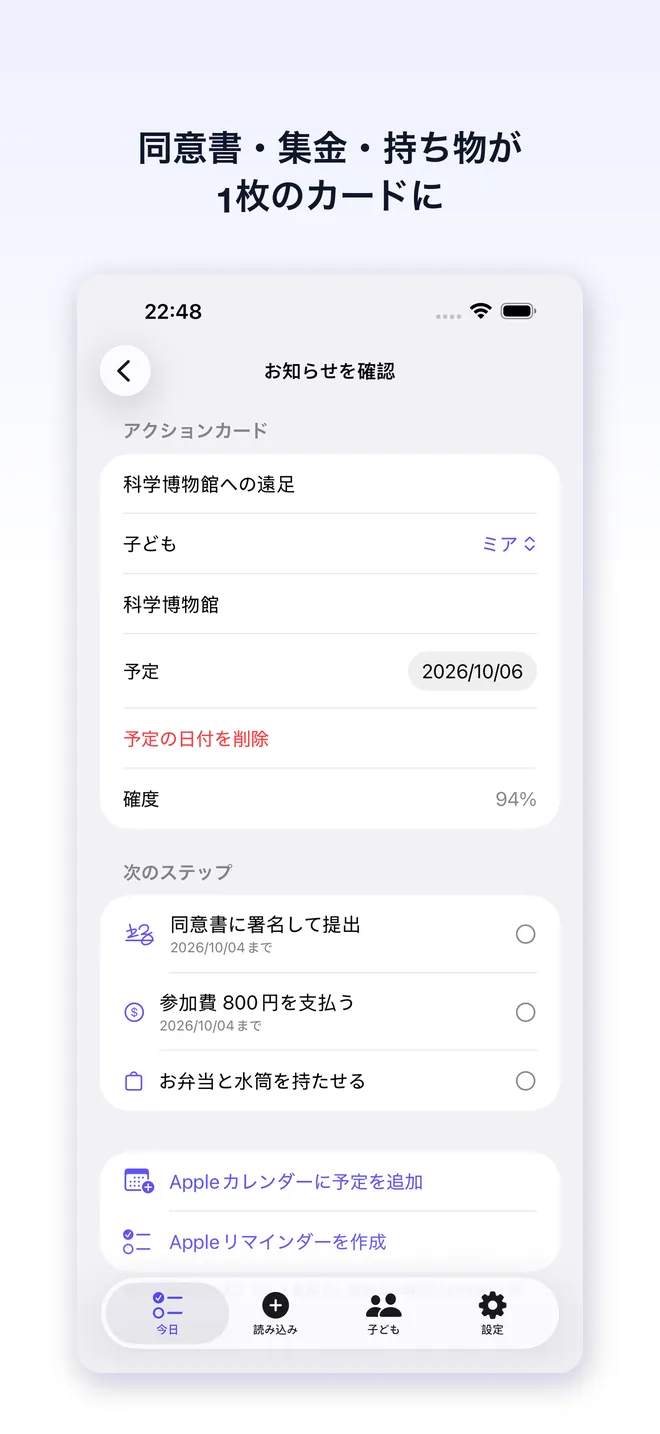
Note2Do is a privacy-first iOS app that turns a school notice, photo, PDF, or pasted text into a parent action card. Vision OCR runs on-device, while authenticated AI parsing extracts dates, times, places, fees, and actions; nothing reaches Apple Calendar or Reminders until you confirm it.

TL;DR · Note2Do is a privacy-first iPhone app that uses on-device OCR and authenticated AI parsing to turn a shared school notice into a parent-reviewed action card, then lets you confirm a Calendar event or Reminder.

Capabilities

A calmer way to handle school notices

Import any notice

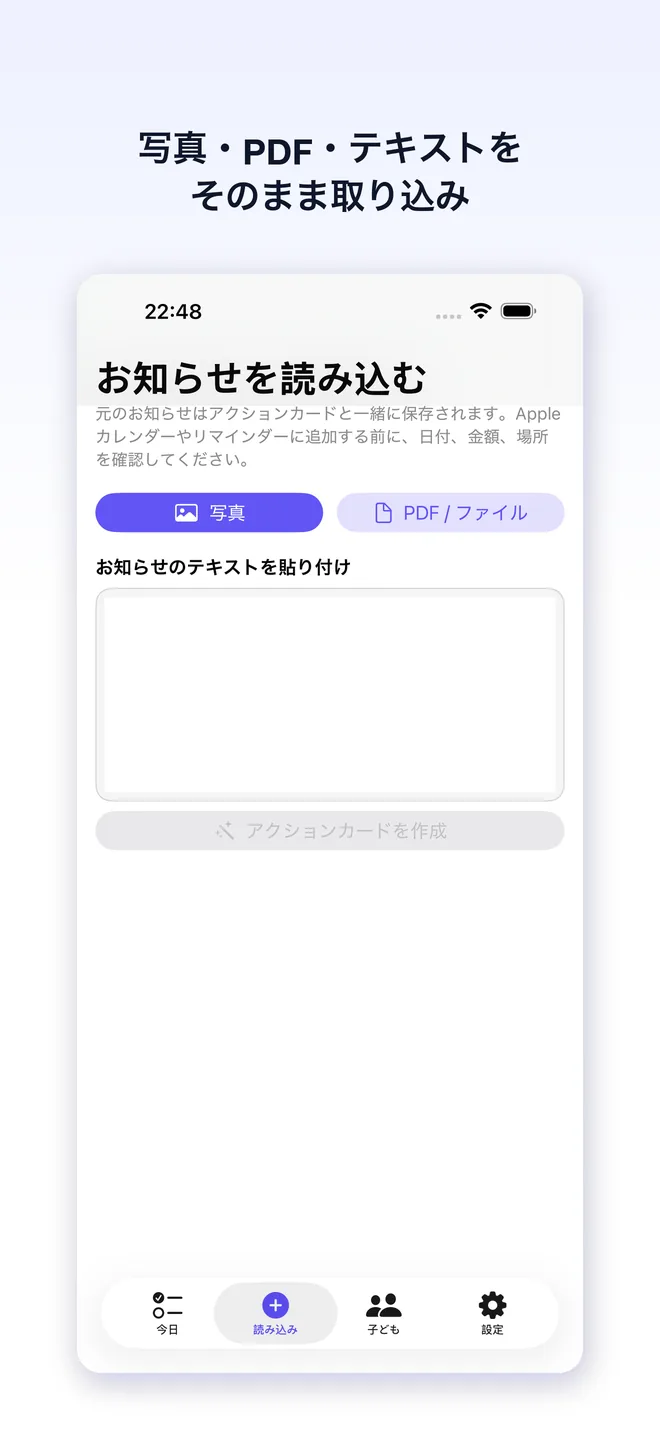
Share text, a screenshot, photo, or PDF from the apps where school information already arrives.

OCR plus AI parsing

Vision OCR runs on-device; after sign-in, authenticated AI parsing finds dates, times, places, amounts, and sign/pay/bring/reply actions.

One clear action card

See the child, deadline, event, fee, and next step together instead of rereading a long notice.

Child profiles

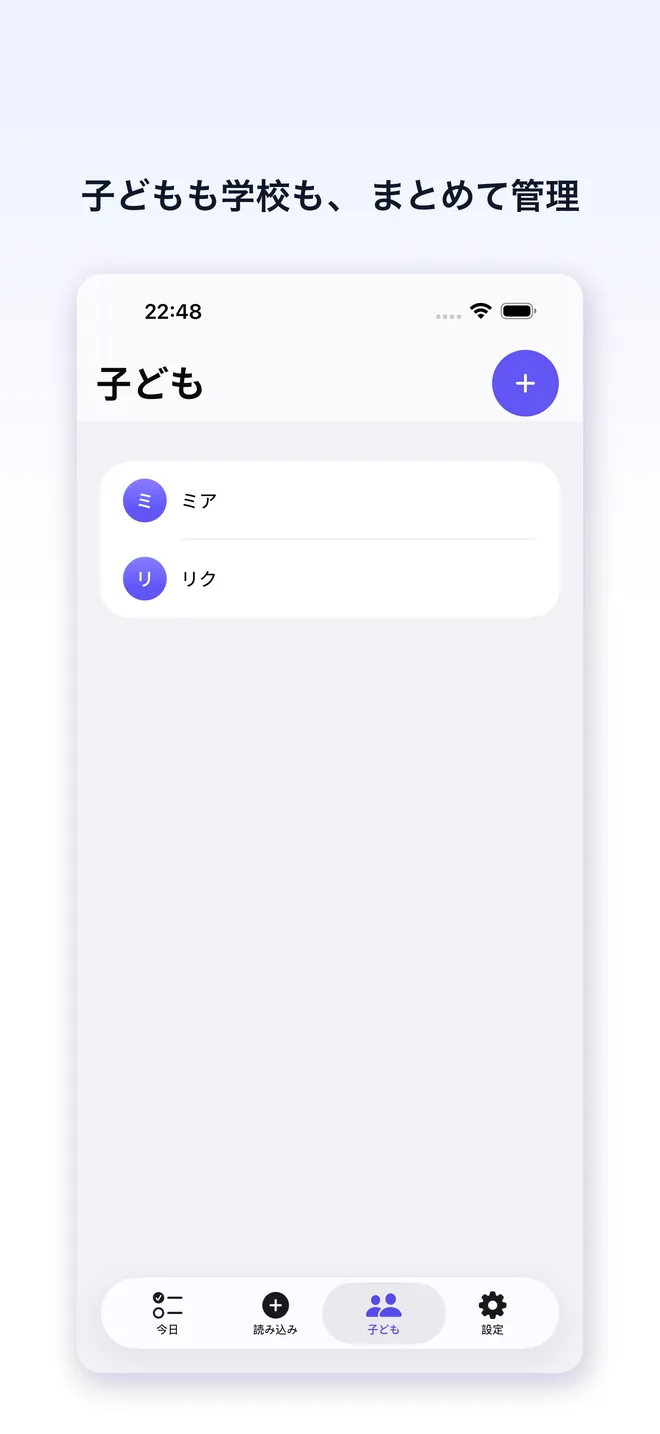
Keep action cards organized around the children and schools that matter to your family.

Privacy-first processing

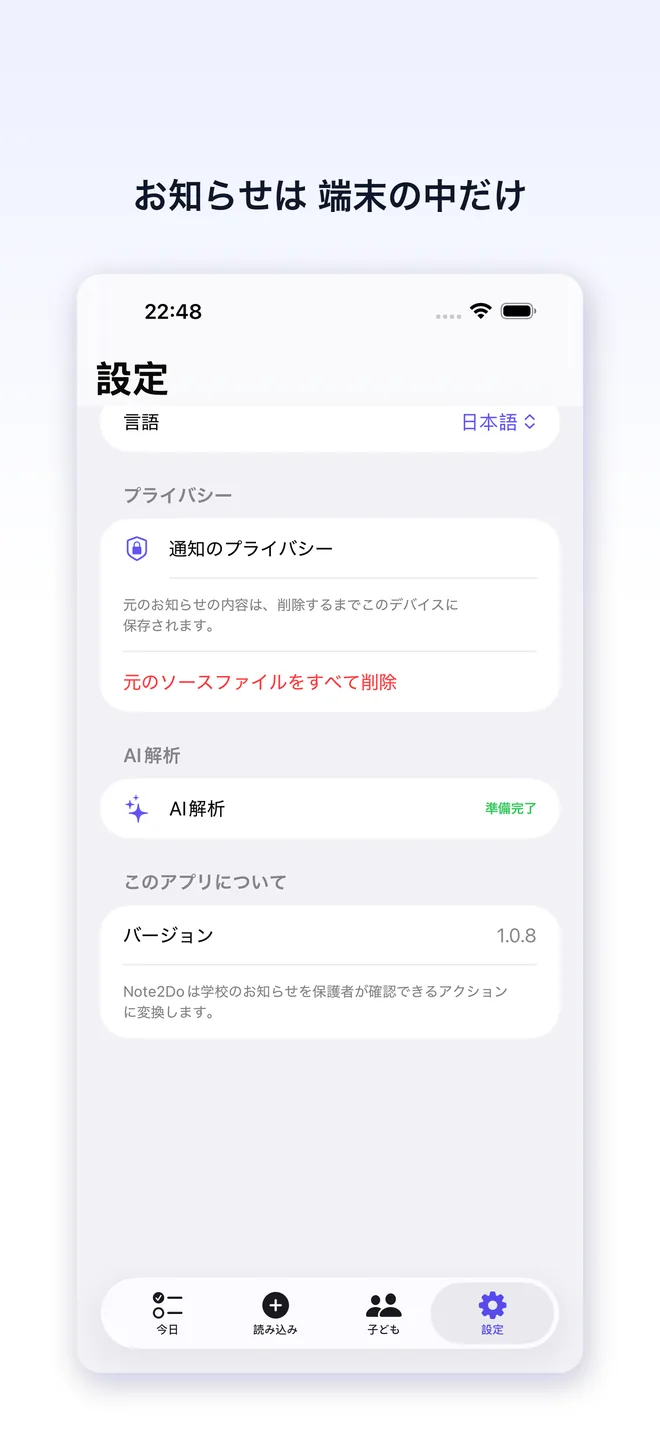
Original notices stay on the device; only extracted text, selected child names, and locale are sent for authenticated AI parsing.

Confirm before sending

Review the extracted facts before Note2Do creates an Apple Calendar event or Reminders task.

Workflow

How Note2Do works

Step 1

Share or paste the notice

Send a notice from another app, select a photo or PDF, or paste its text into the import screen.

Who Note2Do is for

  • Parents juggling notices from multiple school and activity apps
  • Families who need permission slips, fees, and field trips in one view
  • Parents who want a review-first alternative to handing over their inbox
  • Anyone who wants reminders without trusting an automatic import

Why Note2Do keeps the parent in control

  • The original notice stays available so dates and amounts can be checked before acting
  • On-device OCR and authenticated AI parsing are explicit, reviewable steps instead of an opaque inbox takeover
  • Calendar and Reminders changes happen only after a parent confirms the card
  • TaoApex publishes a dedicated privacy policy and terms page for the app

Plans

Try authenticated parsing. Add Pro when you need more.

Free

The notice-to-action workflow with a free AI allowance

£0

  • Share Extension import
  • On-device OCR and authenticated AI parsing
  • Action cards and local history
  • Calendar and Reminders confirmation
Popular

Note2Do Pro

Optional power features as the product grows

Subscription

  • Pro entitlement
  • Apple or email account flows
  • Restore purchases
  • Future family workflow improvements
Join the App Store launch

FAQ

Common questions

What is Note2Do?+
Note2Do is an iPhone app that turns school notices into parent action cards. It extracts dates, places, fees, and actions from shared text, images, PDFs, or pasted text so you can review the next step in one place.
Does Note2Do read my email or school accounts?+
No. Note2Do does not automatically connect to Gmail, Outlook, school portals, SMS, or WhatsApp. You choose what to share or import, which keeps the first workflow focused and permission-based.
Does Note2Do send school notices to an AI service?+
Yes, after sign-in and when you create an action card. Vision OCR runs on-device; extracted text, selected child names, and locale are sent to the Note2Do Worker, which uses Google Gemini or Cloudflare AI to return structured fields. Original images and PDFs remain on the device unless you choose to share them.
Can I use Note2Do without an account?+
You can browse local screens and manage local data without signing in, but production notice parsing and subscription access require an authenticated account.
Does Note2Do automatically change my Calendar or Reminders?+
No. You review the extracted details and explicitly confirm before an event or reminder is created through Apple EventKit.
How do I delete my notice data?+
Delete the original source from the action card or remove local history in the app. For account or privacy requests, contact support@taoapex.com and include Note2Do in the subject.

Privacy & App Store support

Public links required for App Store review and end users.

iPhone · iOS 17+

Note2Do

Turn school notices into confirmed next steps.

Join the App Store launch

More TaoApex iOS apps