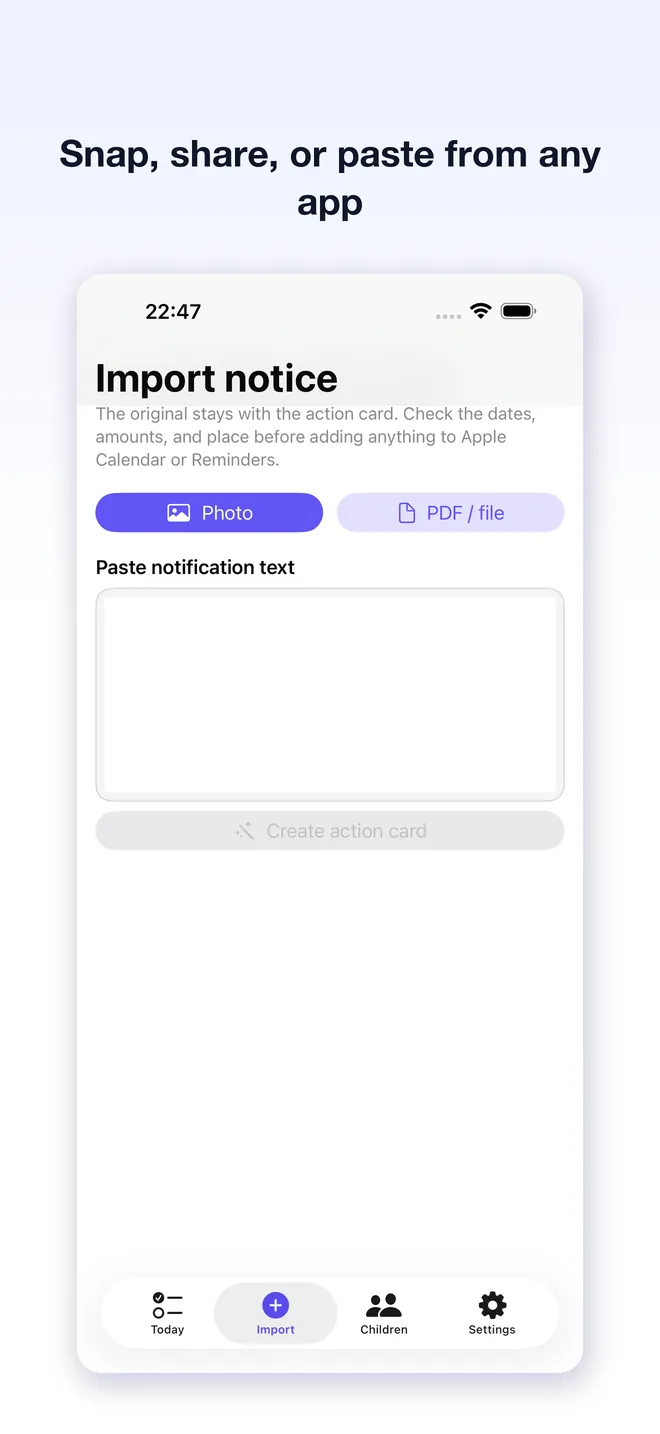
Import any notice
Share text, a screenshot, photo, or PDF from the apps where school information already arrives.

Note2Do: School Notice Planner
iOS · Family ProductivityiPhone · iOS 17+Built by TaoApex Limited
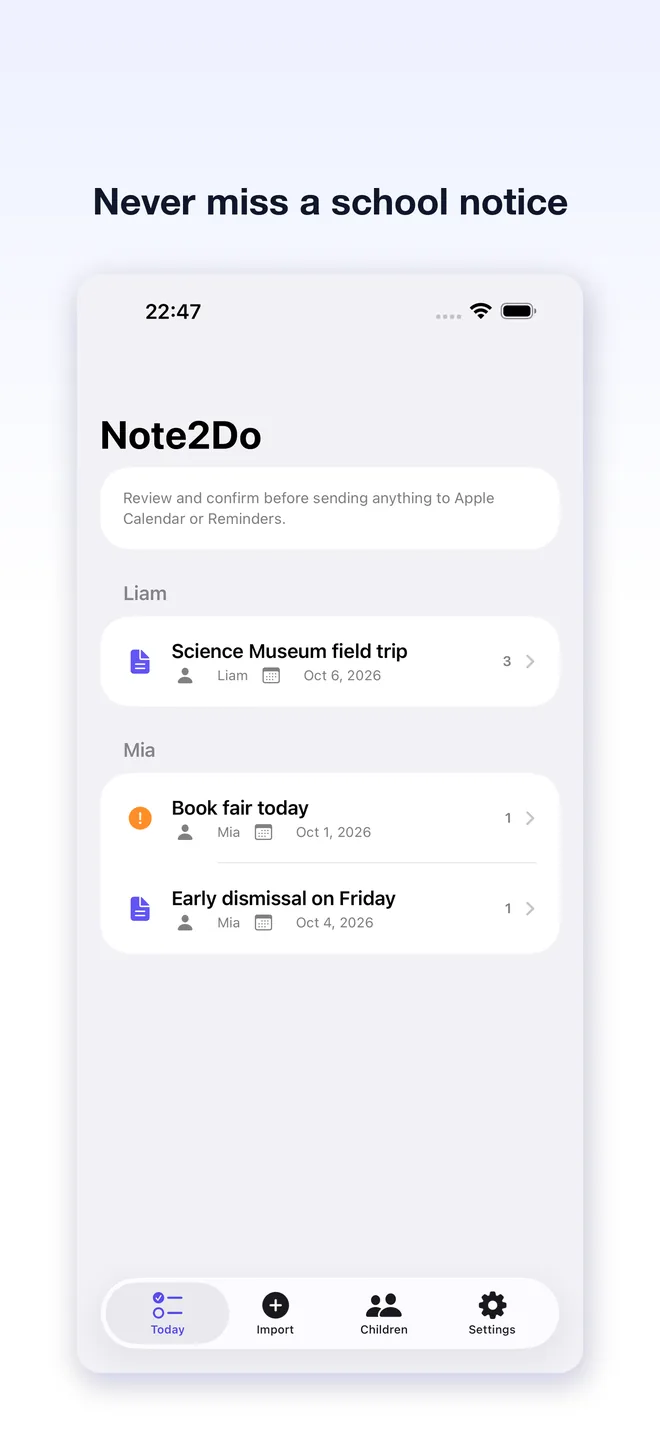
Share the notice. Review the action card. Confirm only what belongs on your calendar or reminders — with the original source kept close for checking.
Privacy-first · iOS 17+ · Parent confirmation
Product definition
Note2Do is a privacy-first iOS app that turns a school notice, photo, PDF, or pasted text into a parent action card. Vision OCR runs on-device, while authenticated AI parsing extracts dates, times, places, fees, and actions; nothing reaches Apple Calendar or Reminders until you confirm it.
TL;DR · Note2Do is a privacy-first iPhone app that uses on-device OCR and authenticated AI parsing to turn a shared school notice into a parent-reviewed action card, then lets you confirm a Calendar event or Reminder.
It runs on iOS 17.0 or later and is built by TaoApex Limited.
The free tier covers Share Extension import, On-device OCR and authenticated AI parsing, Action cards and local history; Note2Do Pro ($4.99 / mo · $39.99 / yr (US)) unlocks Unlimited AI notice parsing. US pricing; local stores convert automatically..
Core capabilities: Import any notice, OCR plus AI parsing, One clear action card, Child profiles.
The routine is short: Share or paste the notice → Review the action card → Confirm the next step.
It is made for Parents juggling notices from multiple school and activity apps.
Support is available at support@taoapex.com.
Capabilities
Share text, a screenshot, photo, or PDF from the apps where school information already arrives.
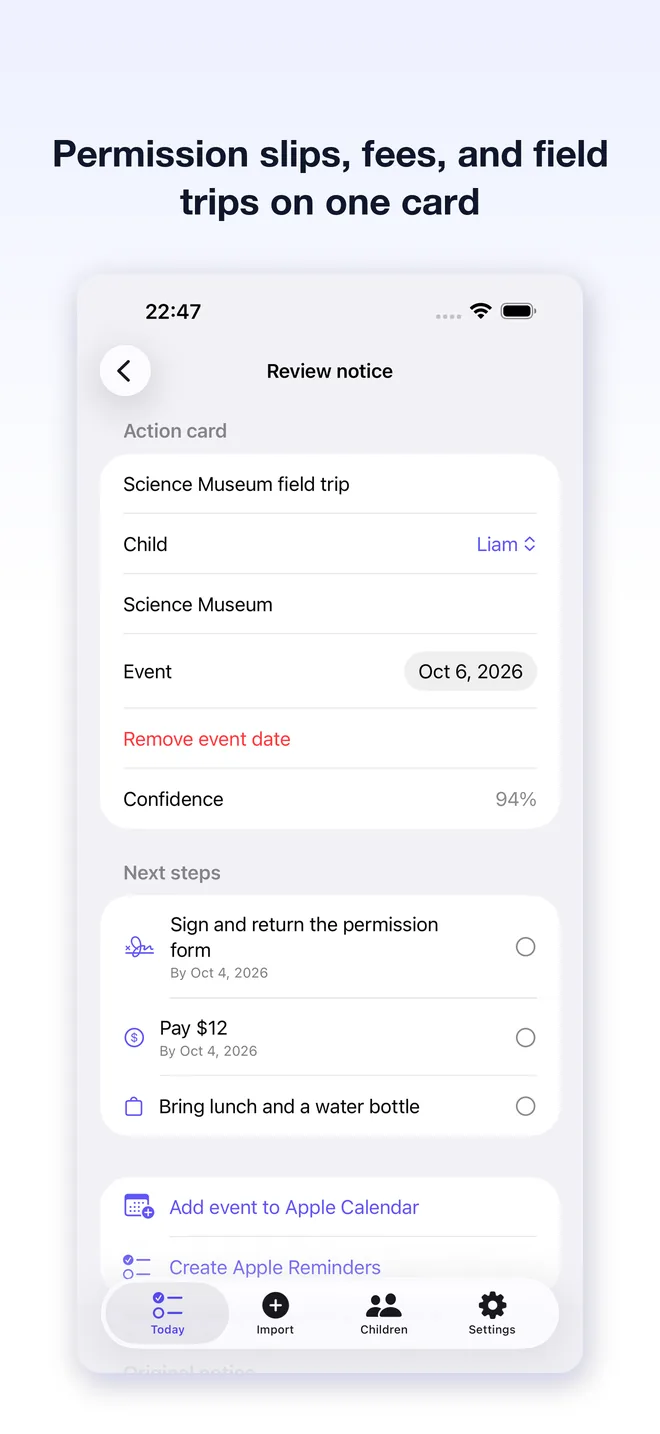
See the child, deadline, event, fee, and next step together instead of rereading a long notice.
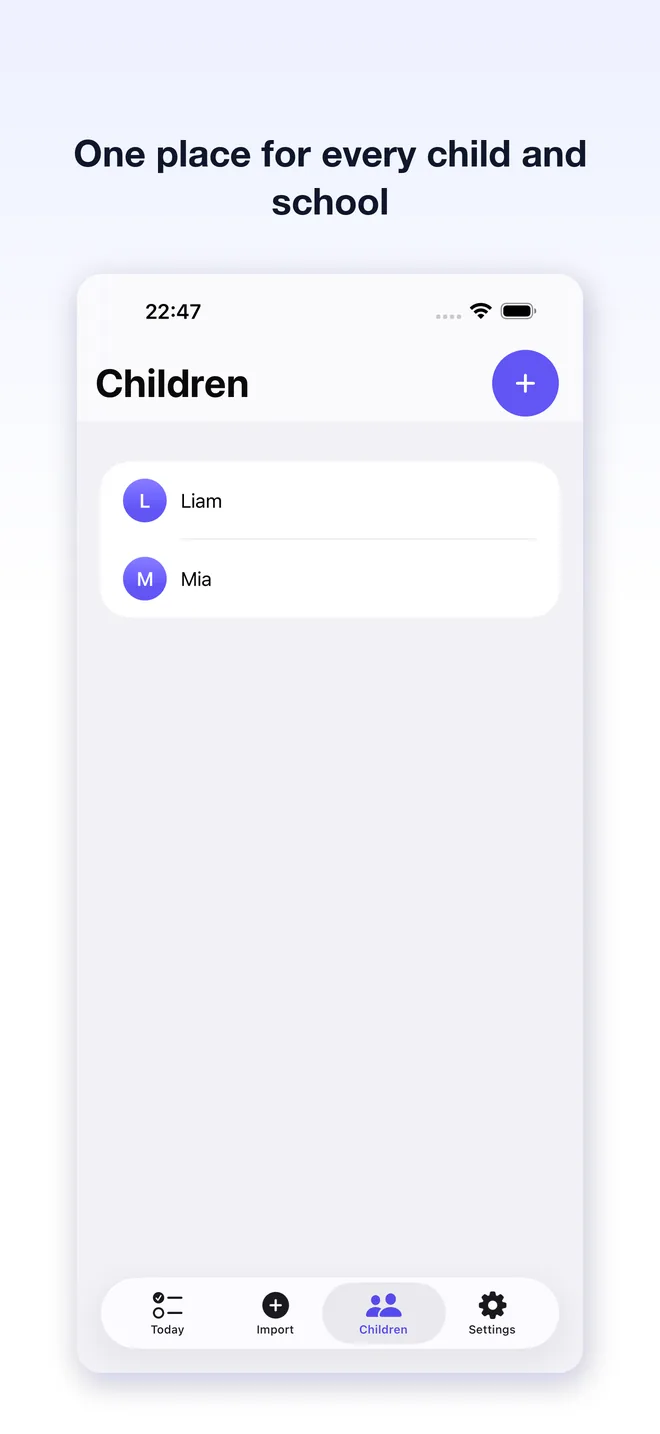
Keep action cards organized around the children and schools that matter to your family.
Vision OCR runs on-device; after sign-in, authenticated AI parsing finds dates, times, places, amounts, and sign/pay/bring/reply actions.
Original notices stay on the device; only extracted text, selected child names, and locale are sent for authenticated AI parsing.
Review the extracted facts before Note2Do creates an Apple Calendar event or Reminders task.
Workflow
Step 1
Share or paste the notice
Send a notice from another app, select a photo or PDF, or paste its text into the import screen.
Step 2
Review the action card
Check the child, date, location, cost, and actions against the original source before saving.
Step 3
Confirm the next step
Add the confirmed event or reminder to Apple Calendar or Reminders, or keep it in local history.
Plans
The notice-to-action workflow with a free AI allowance
£0
Unlimited AI notice parsing. US pricing; local stores convert automatically.
$4.99 / mo · $39.99 / yr (US)
FAQ
iPhone · iOS 17+
Turn school notices into confirmed next steps.
Get Note2Do on the App StorePublic links required for App Store review and end users.