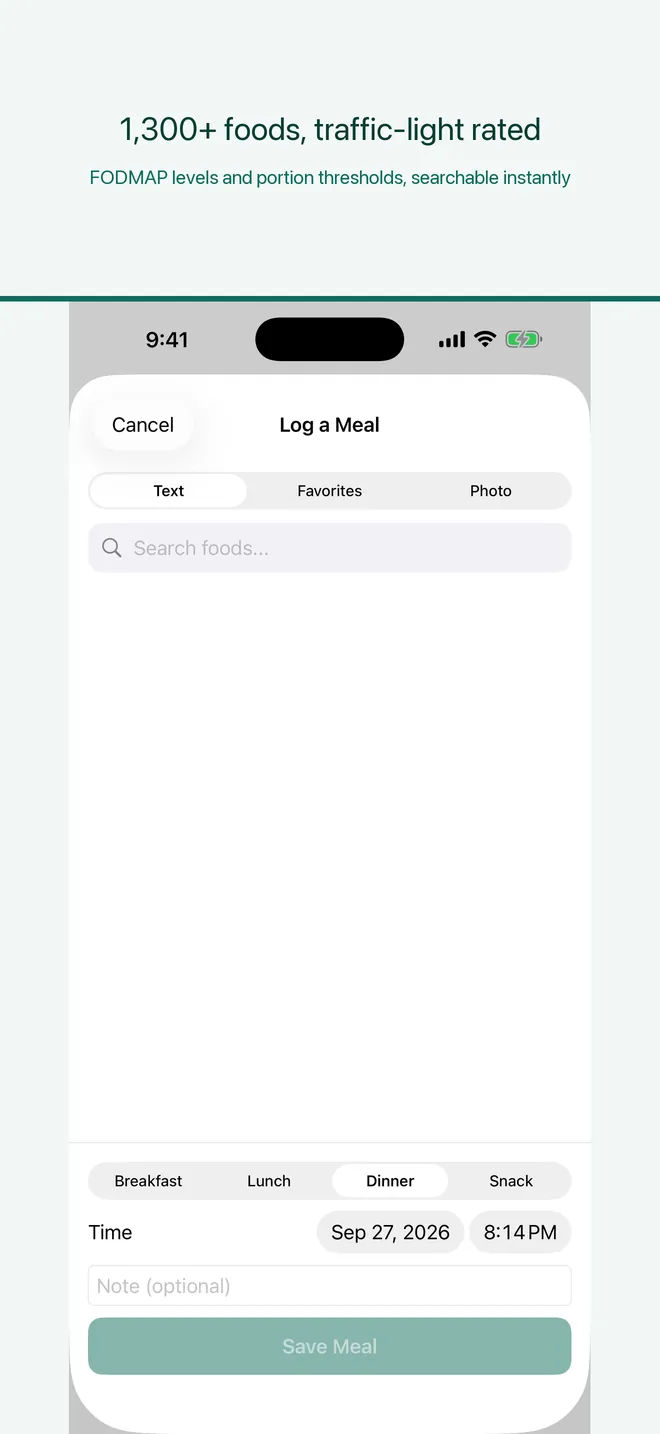
Log meals in seconds
Search 1,300+ foods with FODMAP traffic-light ratings, pick from favorites, or snap a photo of your meal, menu, or ingredient label.

TriggerMap: IBS FODMAP Tracker
iOS · Gut Health & FODMAPiPhone · iOS 17+Built by TaoApex Limited
Search 1,300+ FODMAP-rated foods, log symptoms in two taps, and unlock a personal Trigger Report after 14 days — without uploading your gut diary to a cloud account.
Self-tracking tool, not a medical device · On-device diary · Free download
Product definition
TriggerMap is a privacy-first iPhone app that helps people on a low-FODMAP journey or living with IBS log meals and symptoms, then surfaces statistical patterns in their own data. With 1,300+ foods scored by FODMAP traffic-light, optional Apple HealthKit context, and a Trigger Report after 14 days of consistent logging, it lets users walk into the next dietitian appointment with answers rather than guesses. It is a self-tracking tool, not a medical device.
TL;DR · TriggerMap is a privacy-first iPhone app that helps you log meals and symptoms, score them against a 1,300+ food FODMAP library, and unlock a personal Trigger Report after 14 days — without sending your gut diary to a TaoApex server.
It runs on iOS 17.0 or later and is built by TaoApex Limited.
The free tier covers Meal and symptom logging, 1,300+ foods with FODMAP traffic-light ratings, FODMAP stacking detection; TriggerMap Pro (Monthly or annual) unlocks Full Trigger Report after 14 days of logging, Weekly progress reports, Unlimited AI meal scanning.
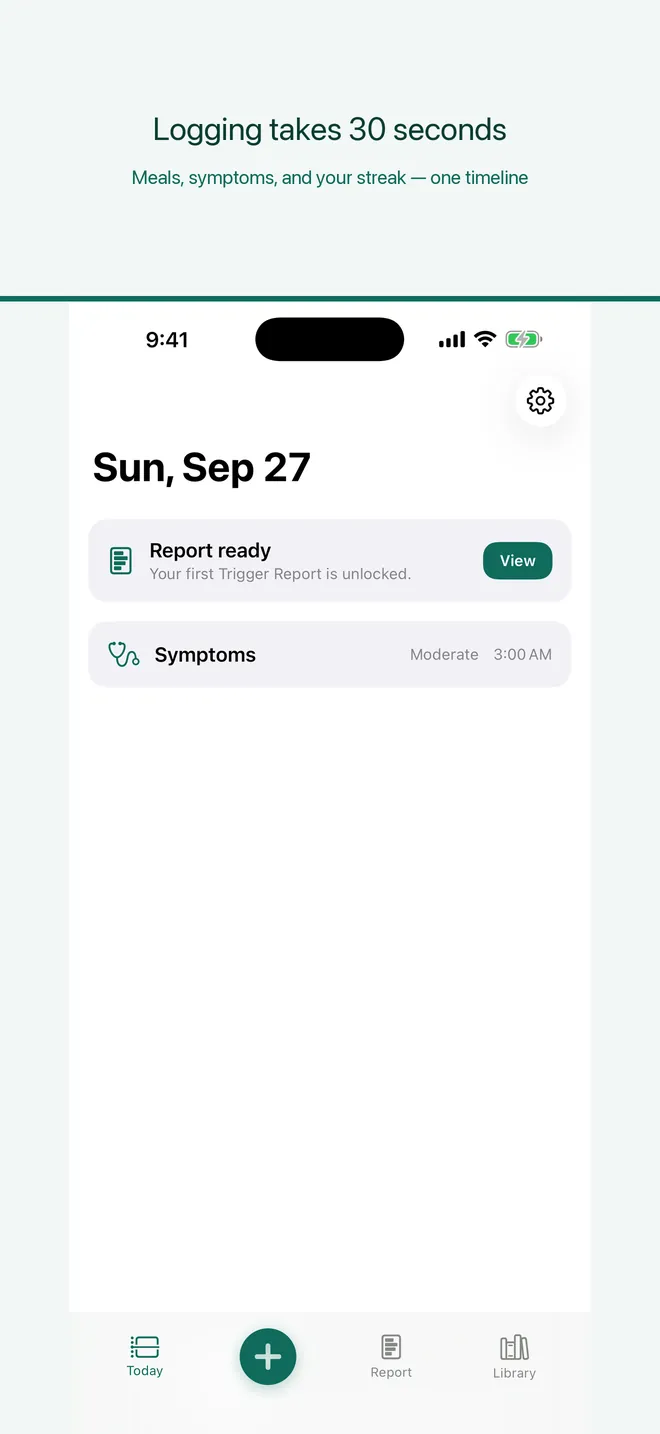
Core capabilities: Log meals in seconds, Two-tap symptom logging, FODMAP stacking detection, Your Trigger Report.
The routine is short: Log for 14 days → Unlock your Trigger Report → Avoid your top triggers.
It is made for People on a low-FODMAP journey who want to identify their personal triggers.
Support is available at support@taoapex.com.
Capabilities
Search 1,300+ foods with FODMAP traffic-light ratings, pick from favorites, or snap a photo of your meal, menu, or ingredient label.
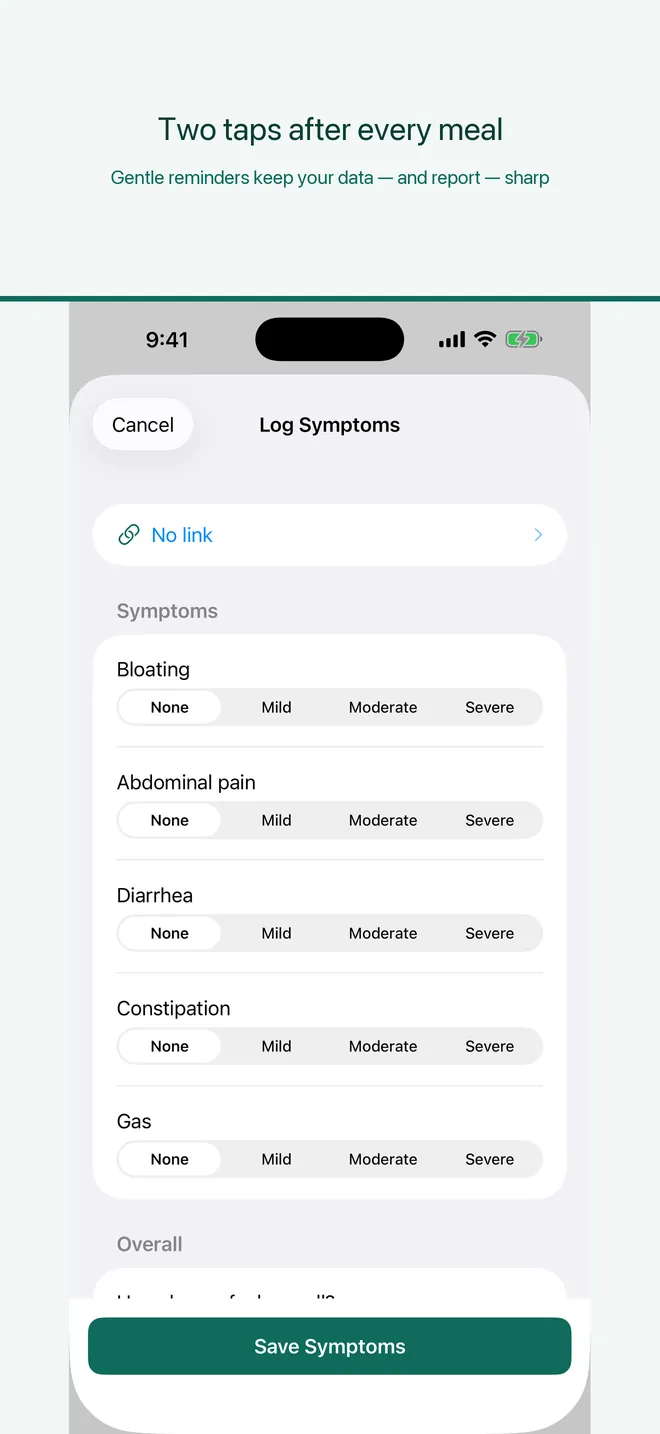
Bloating, pain, bowel changes — done in two taps when the reminder fires, so consistency stays easy.
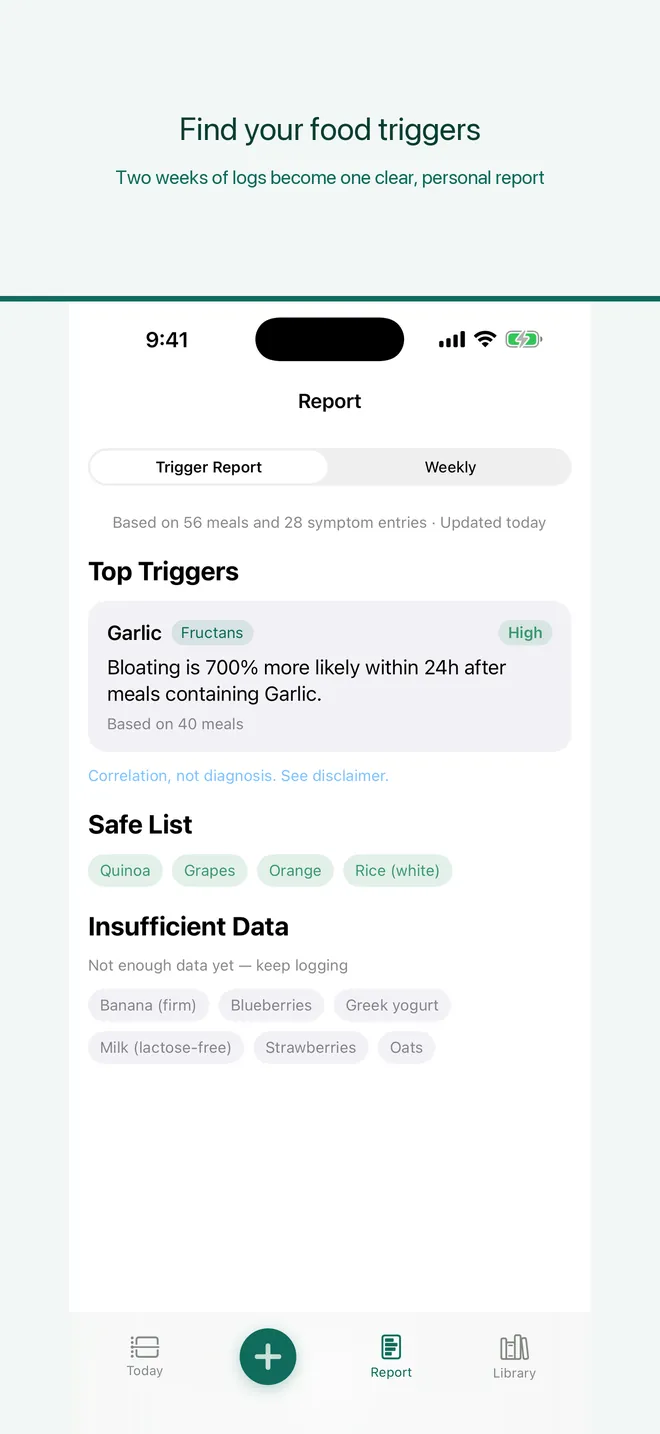
After 14 days of consistent logging, unlock which foods statistically track with your symptoms and your personal safe list.
Warns you when one meal stacks two or more moderate-FODMAP foods so you can see the risk before you eat it.
Optionally read sleep, HRV, and menstrual cycle data from Apple HealthKit to see how they relate to your gut — read-only and on-device.
Walk into your next appointment with answers, not guesses: export a tidy report of your patterns, safe list, and top triggers.
Workflow
Step 1
Log for 14 days
Each meal takes seconds, each symptom takes two taps. Consistency beats perfection — 30 meals and 20 symptoms unlock the report.
Step 2
Unlock your Trigger Report
After 14 days of consistent logging, TriggerMap surfaces which foods statistically track with your symptoms and your personal safe list.
Step 3
Avoid your top triggers
Follow the weekly report to avoid your top triggers, track improvement over time, and share a clean PDF with your dietitian.
Plans
The log-to-pattern flow, including the food library and stacking detection
Free
Unlocks the full Trigger Report, weekly reports, and dietitian-ready export
Monthly or annual
FAQ
iPhone · iOS 17+
Log meals and symptoms, then discover your food triggers in your own data.
Get TriggerMap on the App StorePublic links required for App Store review and end users.